
Multi-Location Inventory for WooCommerce.
Manage WooCommerce multi-location inventory across every store from one dashboard – bulk edit stock, prices, and products without jumping between sites.
or try the demo
Trusted by these popular software brands






One dashboard for all your WooCommerce stores
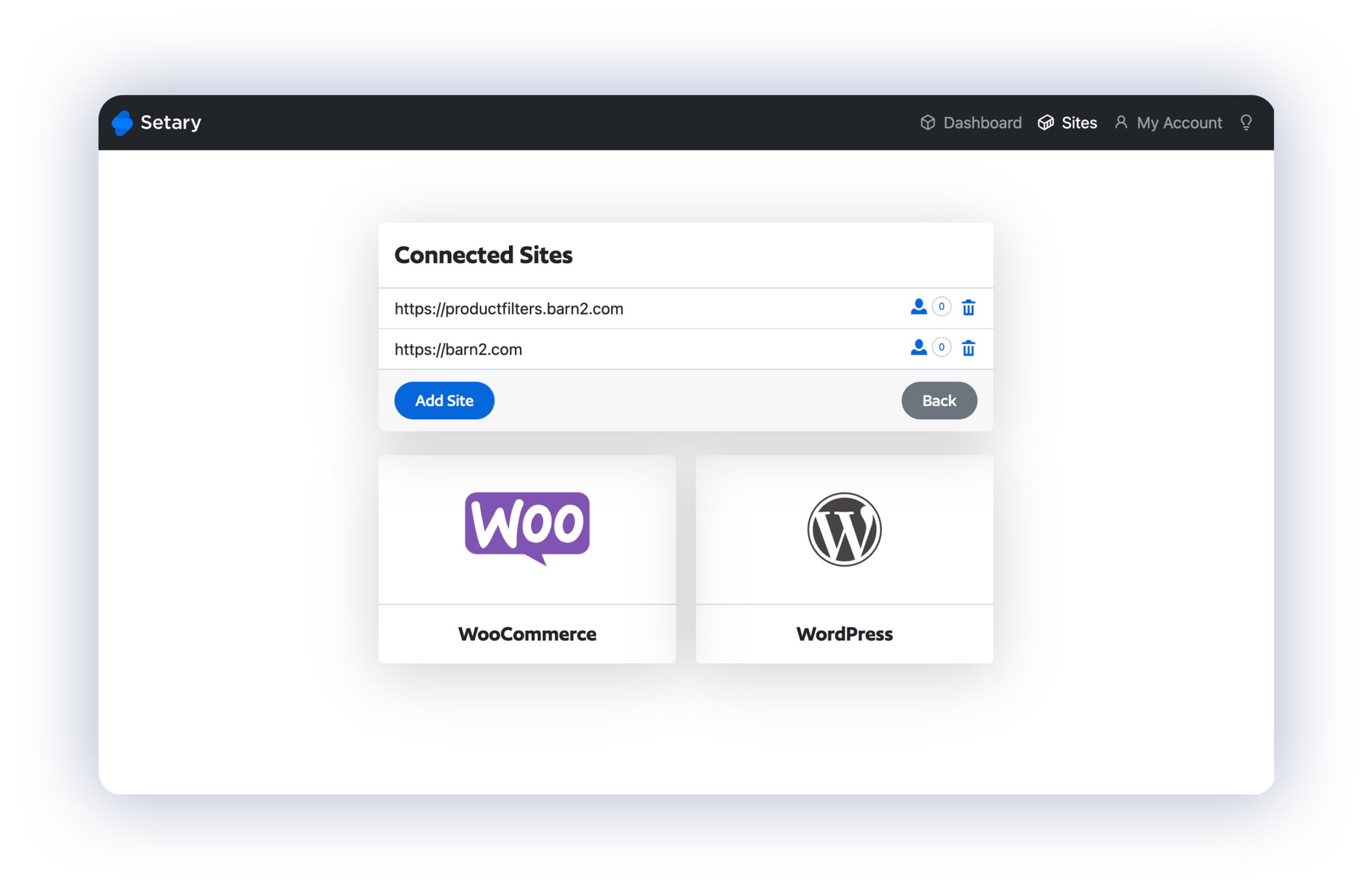
If your business runs multiple WooCommerce stores – one per region, brand, franchise, or market – Setary connects them all to a single dashboard. Add every store to Setary, switch between them in a click, and handle inventory for each one without logging in and out of separate WordPress admins.
Edit inventory and stock levels in each store
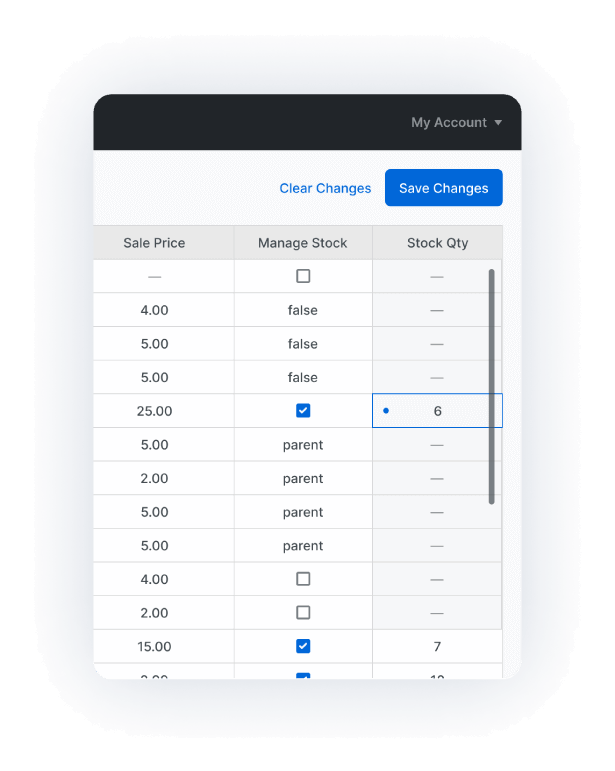
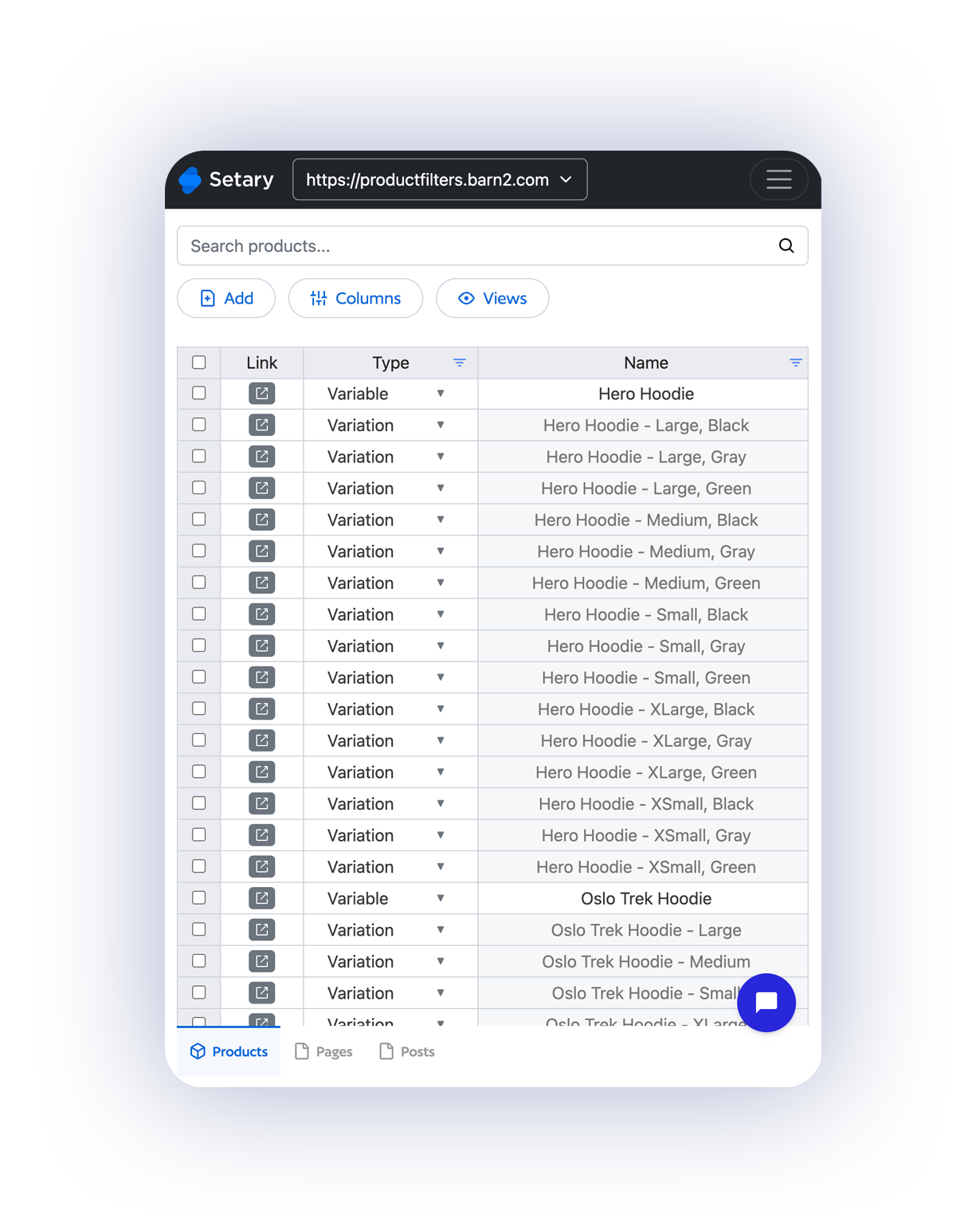
Managing stock across a multi-location WooCommerce setup usually means repeating the same updates in every store. Setary replaces that with a faster workflow – open the store you want, edit inventory in a familiar spreadsheet, then move to the next one without losing your place.
Built for stores at scale
Setary is built for brands and retailers running WooCommerce at scale. It handles catalogs with thousands of products and variations across multiple stores without the lag you’d get trying to do the same thing through the WordPress admin.
Stop juggling WooCommerce stores — Get started with Setary today.
or try the demo
Frequently Asked Questions
How many stores can I connect?
Setary plans connect up to 10 WooCommerce stores. Each store acts as its own location in your multi-location inventory setup – add them all to Setary and switch between them in a click. If you need more than 10, get in touch and we’ll work something out.
How do I switch between stores?
From the Setary dashboard, select any connected store from a dropdown and its products and variations load instantly as a spreadsheet. Your filters, views, and column layouts are remembered per store, so you can move between them without losing your workflow.
Can I edit stock levels for each store separately?
Yes. When you open a store in Setary, you’re working with that store’s products and inventory only. Edit stock quantities, stock status, prices, and any other field, preview your changes, and publish them to that store’s live site. Each store’s inventory stays independent.
Can I edit WooCommerce variations across multiple stores?
Yes. Variable products and their variations appear together in the same spreadsheet view, so yYes. Variable products and all their variations are available for bulk editing in every connected store.
Does my plan include WordPress content as well?
Yes. Every Setary plan for WooCommerce also includes the ability to bulk edit all your WordPress content – posts, pages, custom post types, taxonomies, and metadata at no extra cost.
Do you offer a free trial?
Yes, every plan includes a free 7-day trial. You’ll get access automatically when you sign up – no credit card required. You can also try our live demo for 48 hours, no sign-up needed.
Do you offer refunds?
Yes, we have a 30-day money-back guarantee. If something isn’t working, we’d love the chance to fix it first – but if you still want a refund within 30 days, we’ll happily process it.