
The WooCommerce Product Spreadsheet Editor.
Setary turns your WooCommerce products into a fast, familiar spreadsheet – bulk edit pricing, stock, variations, and custom fields without the WordPress admin slog.
or try the demo
Trusted by these popular software brands





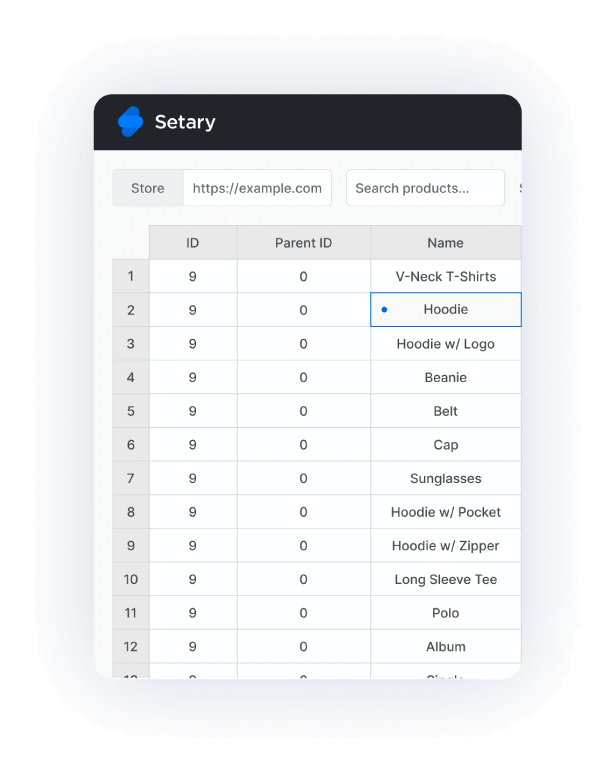
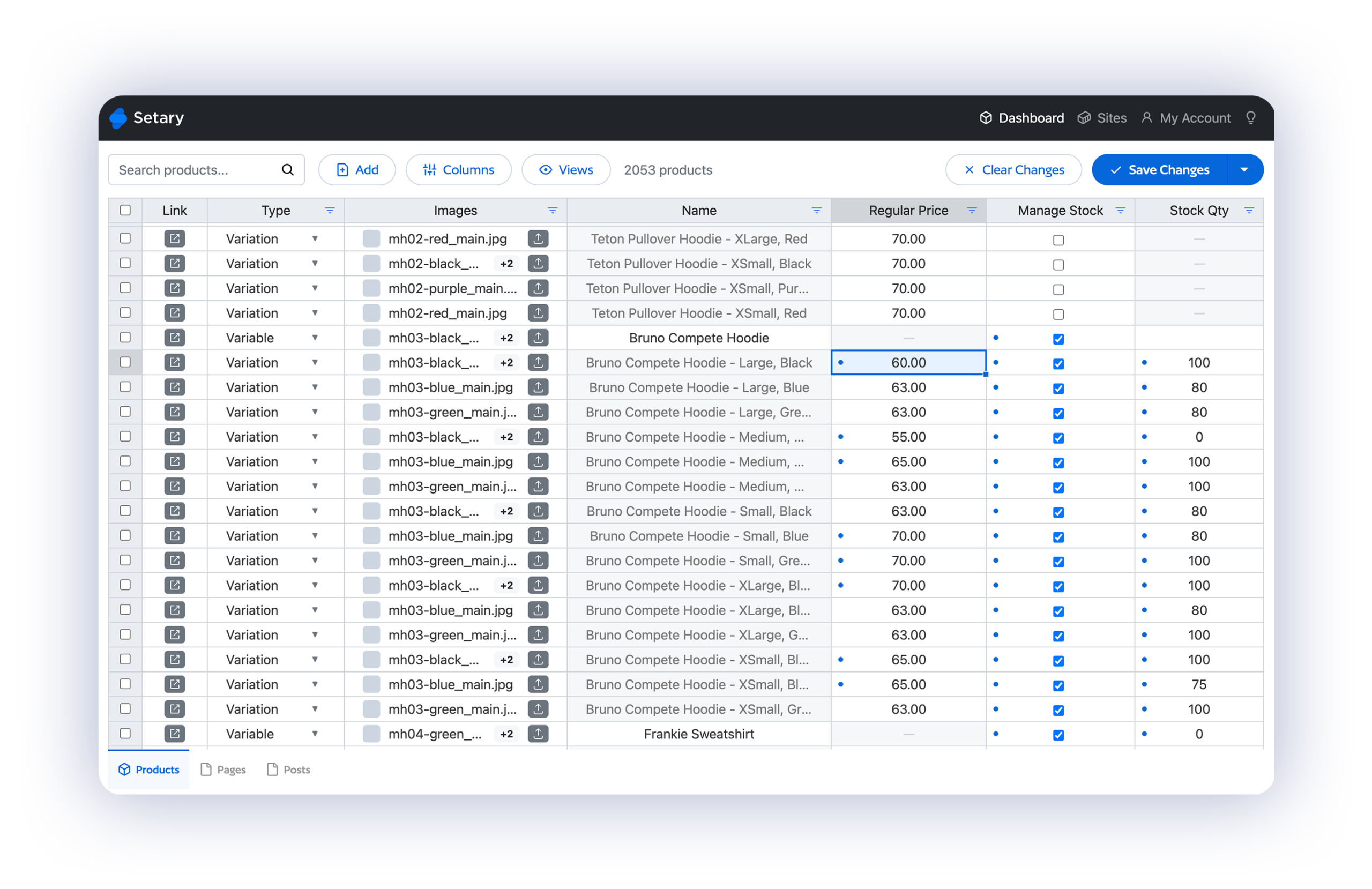
Every WooCommerce product in one spreadsheet
If you know how to use Excel or Google Sheets, you already know how to use Setary. Your whole WooCommerce product catalog loads as a spreadsheet, with every product as a row and every field as a column – edits happen inline, with no pop-ups and no dashboard clicks.
CSV import and export for your WooCommerce product spreadsheet
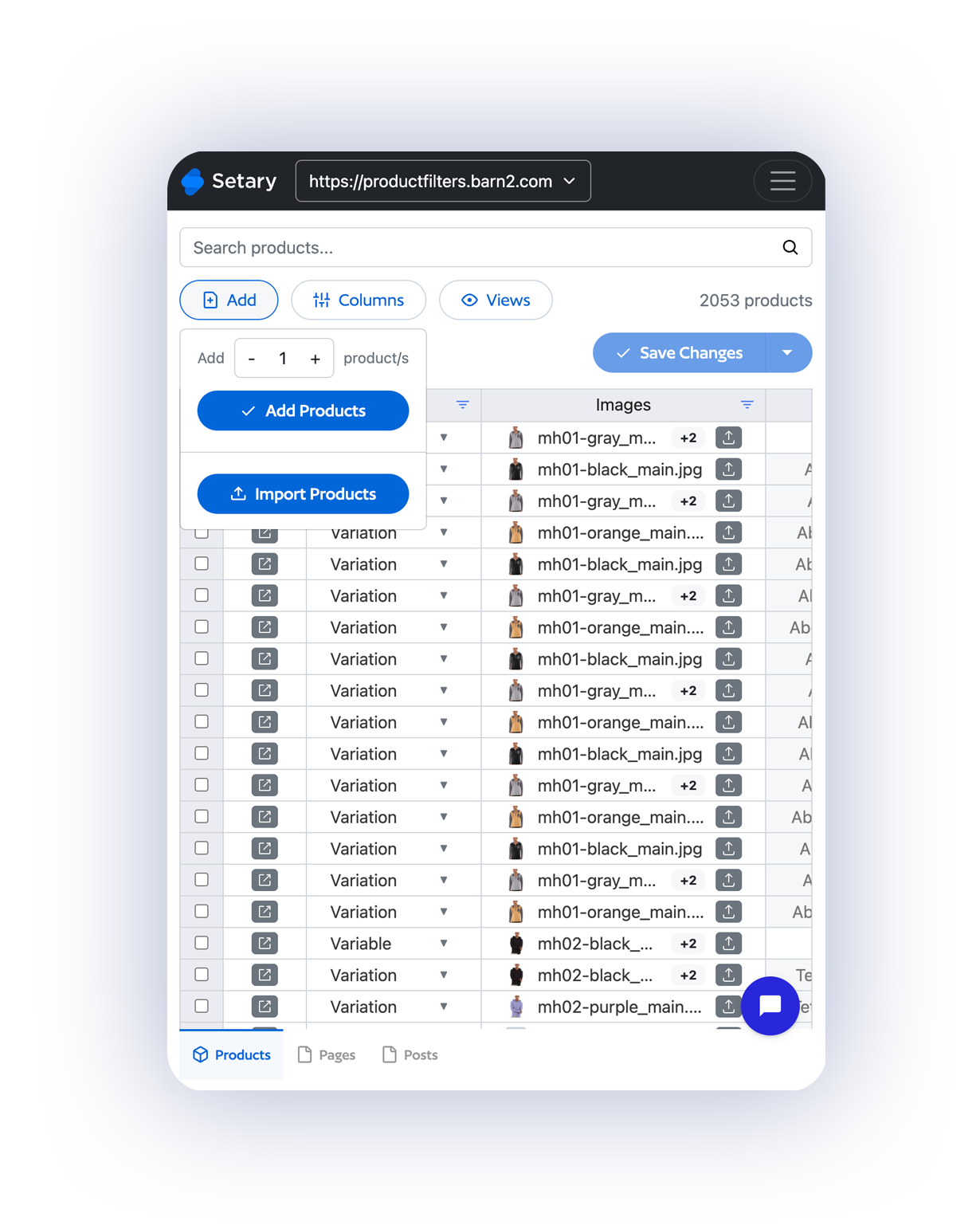
The built-in WooCommerce CSV importer is clunky, slow, and prone to breaking. Setary gives you a cleaner path – export any slice of your WooCommerce product spreadsheet to CSV, edit externally if you want to, and import it back without the usual errors.
Built for large WooCommerce catalogs
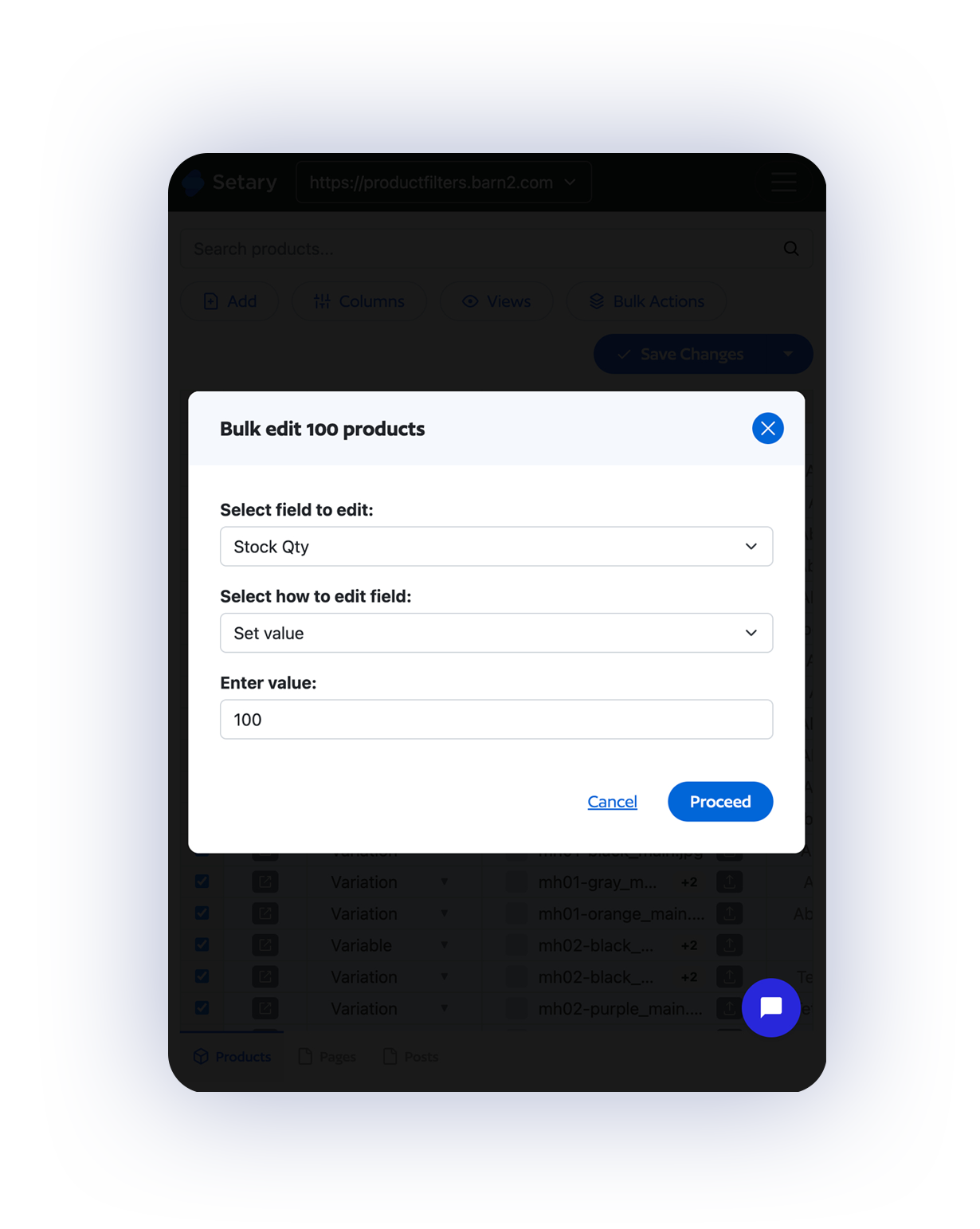
The bigger your catalog, the slower the WooCommerce admin gets. Setary is built to handle WooCommerce product spreadsheets with thousands of rows and variations without lag – because it runs outside your WordPress site, it never competes with your site for resources.
Your catalog in a spreadsheet — Get started with Setary today.
or try the demo
Frequently Asked Questions
What is a WooCommerce product spreadsheet?
A WooCommerce product spreadsheet is a spreadsheet-style interface for viewing and editing every product in your WooCommerce store at once. Setary loads your products as rows, your fields as columns, and lets you edit inline – just like Excel or Google Sheets, but connected live to your WooCommerce store.
How does Setary compare to the WooCommerce CSV importer?
The WooCommerce CSV importer handles one file at a time and often fails on large imports or complex attribute data. Setary gives you a real WooCommerce product spreadsheet for day-to-day edits, plus cleaner CSV import and export with field mapping and error previews when you do need to move data in bulk.
Can I edit products in Setary the same way I would in Excel or Google Sheets?
Yes. The Setary WooCommerce product spreadsheet works exactly like Excel or Google Sheets – inline editing, keyboard navigation, filter and sort, copy and paste between cells, and drag-to-fill for repeating values. If you’ve used a spreadsheet before, there’s no learning curve.
Can I edit product variations?
Yes. Variable products and their variations appear together in the same spreadsheet view, so you can edit pricing, stock, SKUs, attributes, and more across the parent product and all its variants at once.
Does my plan include WordPress content as well?
Yes. Every Setary plan for WooCommerce also includes the ability to bulk edit all your WordPress content – posts, pages, custom post types, taxonomies, and metadata. WooCommerce is built on WordPress, so our editor handles both natively at no extra cost.
How many products can I edit at once?
There’s no limit. Setary handles WooCommerce product spreadsheets with hundreds, thousands, or tens of thousands of rows without slowing down – because it runs as a hosted app outside your WordPress site.
Do you offer a free trial?
Yes, every plan includes a free 7-day trial. You’ll get access automatically when you sign up – no credit card required. You can also try our live demo for 48 hours, no sign-up needed.
Do you offer refunds?
Yes, we have a 30-day money-back guarantee. If something isn’t working, we’d love the chance to fix it first – but if you still want a refund within 30 days, we’ll happily process it.