
Setary has 1 main admin account, from here you can add sub-user accounts on a per-site basis.
The sub-users only have access to the sites you add them to, even if you have a 5 site plan. They will not have access to billing or visibility of any other sites within your plan unless they are added to more than 1.
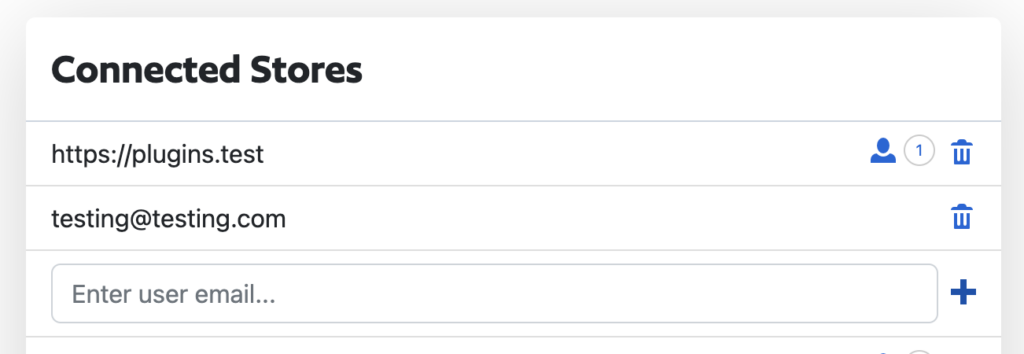
To add a user to a store:
- Click Sites
- Click the little person icon, this number will show how many users that are on that site
- A dropdown will appear listing all the users on the site, you can enter a new email and click +
- This will open a modal if you do not have enough additional users on your plan. If you have enough users on your plan then the user will be added. Example above with testing [at] testing.com
- If the modal does open, you can adjust your plan accordingly and then click add. This will send an email to us to adjust.