
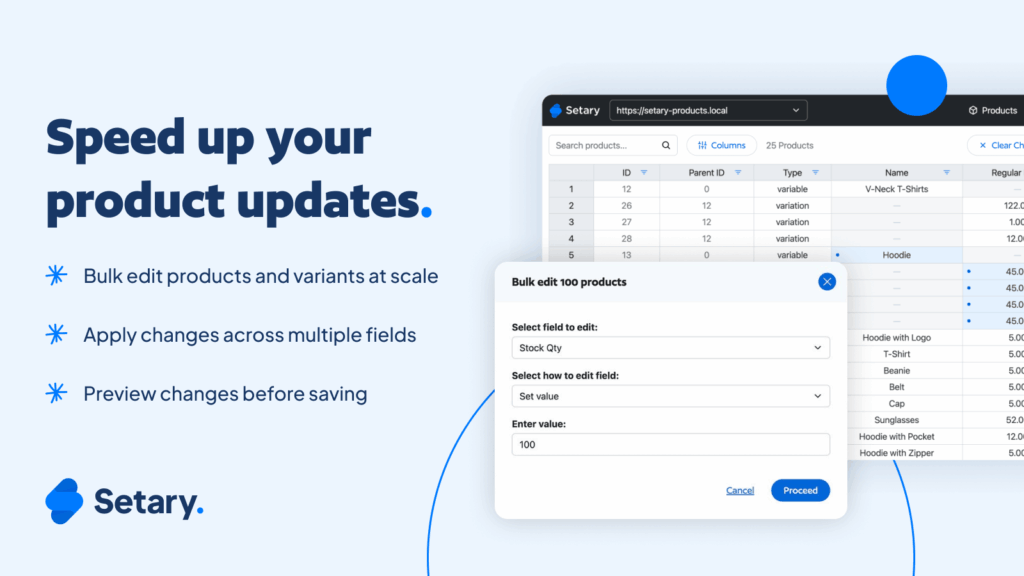
Today, Setary is launching for Shopify 🚀
If you have ever tried to update large numbers of products in Shopify, you already know how quickly simple changes turn into repetitive, error-prone work. Editing one product at a time does not scale. Traditional bulk tools help, but often at the cost of context, visibility, or control.
Setary approaches product management differently. It brings a true spreadsheet-style editing experience to Shopify, giving you a faster, clearer way to manage products and variants in bulk.
Setary has already helped WooCommerce stores handle complex catalogs with confidence. Now, Shopify merchants can work the same way.
What Setary for Shopify Lets You Do
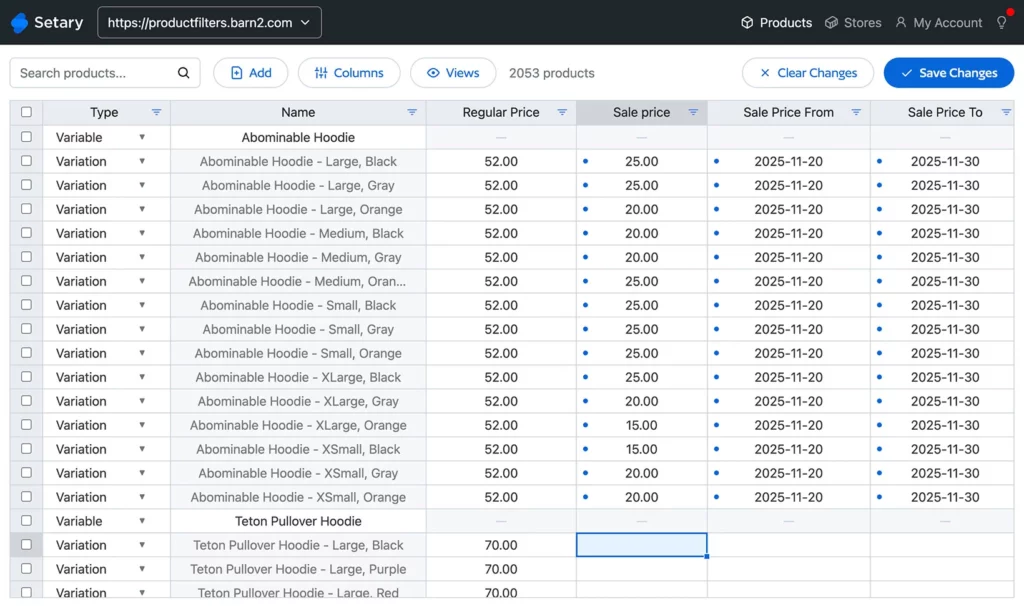
Setary gives you a single, spreadsheet-style view of your product data.
Instead of jumping between product pages or filling out bulk edit forms, you can see products and variants side by side, scan them quickly, and make changes in context. Titles, prices, attributes, metadata, and more can be updated directly in the grid, including how to bulk edit SKUs in Shopify.
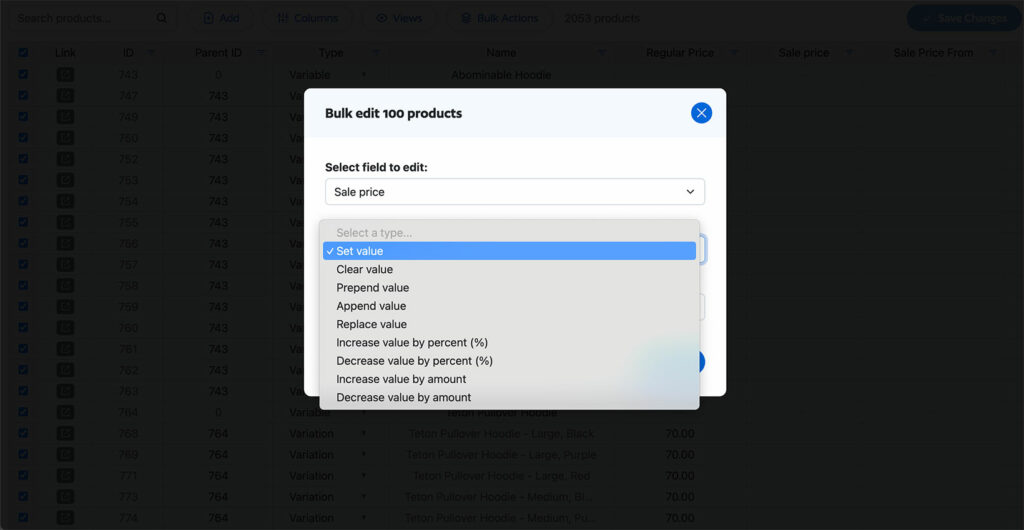
You can filter to target exactly the right products, apply bulk actions such as setting, replacing, or adjusting values, and preview your changes before they go live. This makes large updates feel controlled instead of risky.
Why We Built Setary
Setary started with a simple observation: once a store grows, product management becomes a data problem.
WooCommerce merchants managing large catalogs told us the same thing. The more products, variations, and custom fields they had, the harder it became to keep everything consistent. CSV workflows were powerful but disconnected. Form-based editors hid too much information.
Spreadsheets, on the other hand, made sense. They showed everything in one place and made patterns, mistakes, and gaps easier to spot. Setary was built around that model, turning spreadsheet-style editing into a connected, store-aware experience which includes:
- Spreadsheet-style editing for products and variants
- Bulk edit any product data and metadata
- Advanced bulk actions like set, replace, and price adjustments
- Filter to target exactly the right products
- Preview changes before applying them
- Manage products across multiple stores
Why Shopify Was the Natural Next Step
The same problems exist on Shopify.
As Setary grew on WooCommerce, we repeatedly heard from merchants and agencies running Shopify stores who wanted the same workflow. They were facing the same challenges: large catalogs, frequent updates, and the need to make changes safely at scale.
Bringing Setary to Shopify was a natural extension. It means merchants can use the same approach to product management regardless of the platform they use.
One Tool Across Multiple Stores And Platforms
Many businesses do not operate just one store.
You might run multiple Shopify stores for different regions or brands. You might manage client stores as an agency. Or you might operate both WooCommerce and Shopify as part of the same business.
Setary is built for this reality. You can bulk edit across multiple Shopify stores and work across WooCommerce and Shopify from the same environment. Product data can be reused and managed more consistently across platforms, reducing duplication and manual work.

Who Setary for Shopify Is For
Setary is a good fit for Shopify stores that are growing beyond simple product management. This includes:
- Shopify stores with growing product catalogs
- Teams making frequent bulk updates
- Agencies managing multiple client stores
- Businesses running both WooCommerce and Shopify
If you regularly work with product data in volume, Setary helps you work in a way that is faster and easier to control.
Getting Started With Setary for Shopify
You can start a free trial of Setary for Shopify today in the Shopify App Store.
Install it, connect your store, and start editing products in a spreadsheet-style view right away. Development stores can use it for free, making it easy to test before rolling it out more widely.
What’s Next for Setary
Launching on Shopify is an important step, but it is not the end of the journey.
We will continue improving bulk editing workflows and keeping Setary aligned across WooCommerce and Shopify. Our goal is to make product management simpler and more reliable for stores that operate at scale.
Bulk edit anything in WordPress, WooCommerce and Shopify
Try our demo now and discover how you could save thousands of hours managing your site.
or try the demo